Catenda Hub
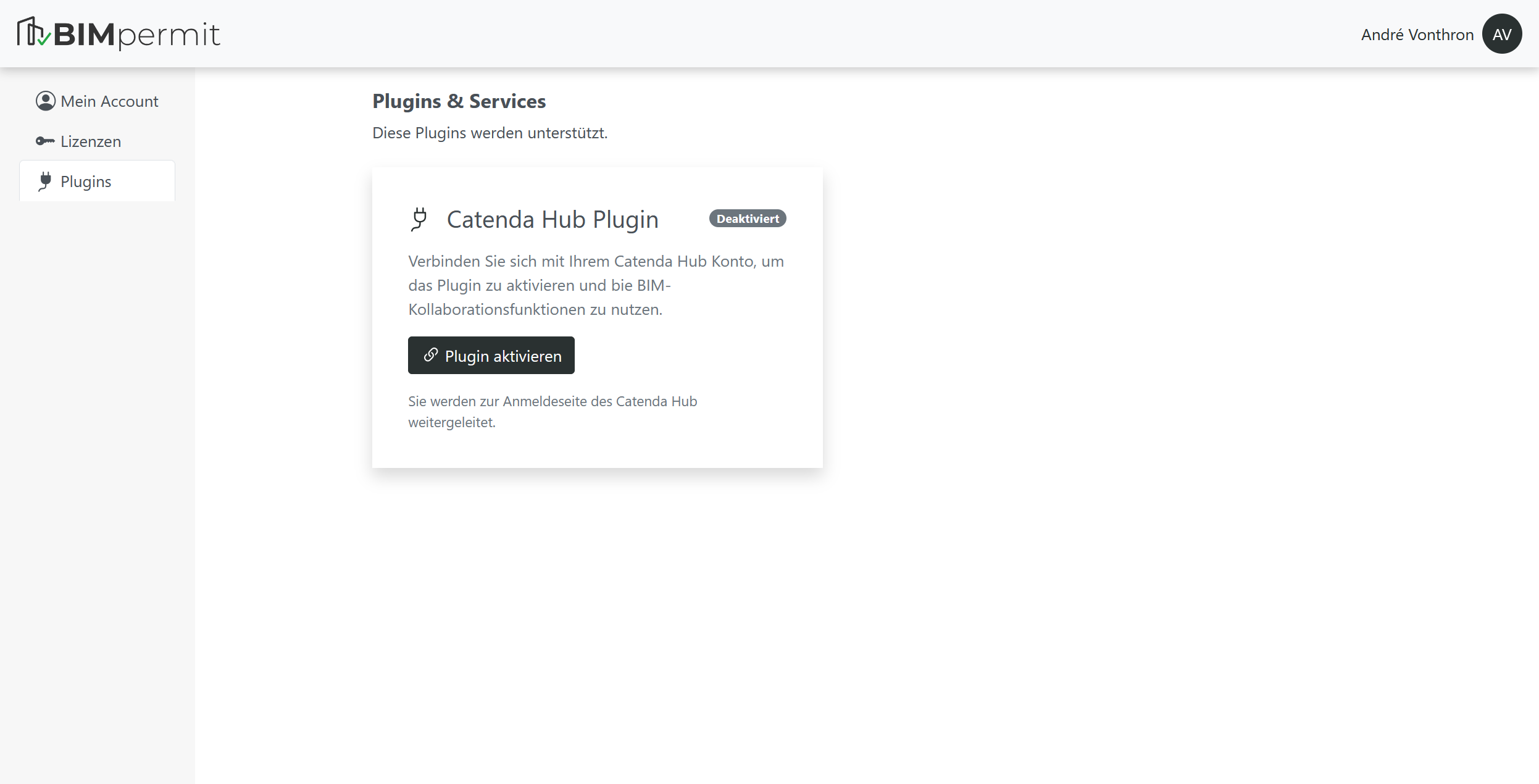
To use Catenda Hub, you must first enable the Catenda plugin in the user management settings.
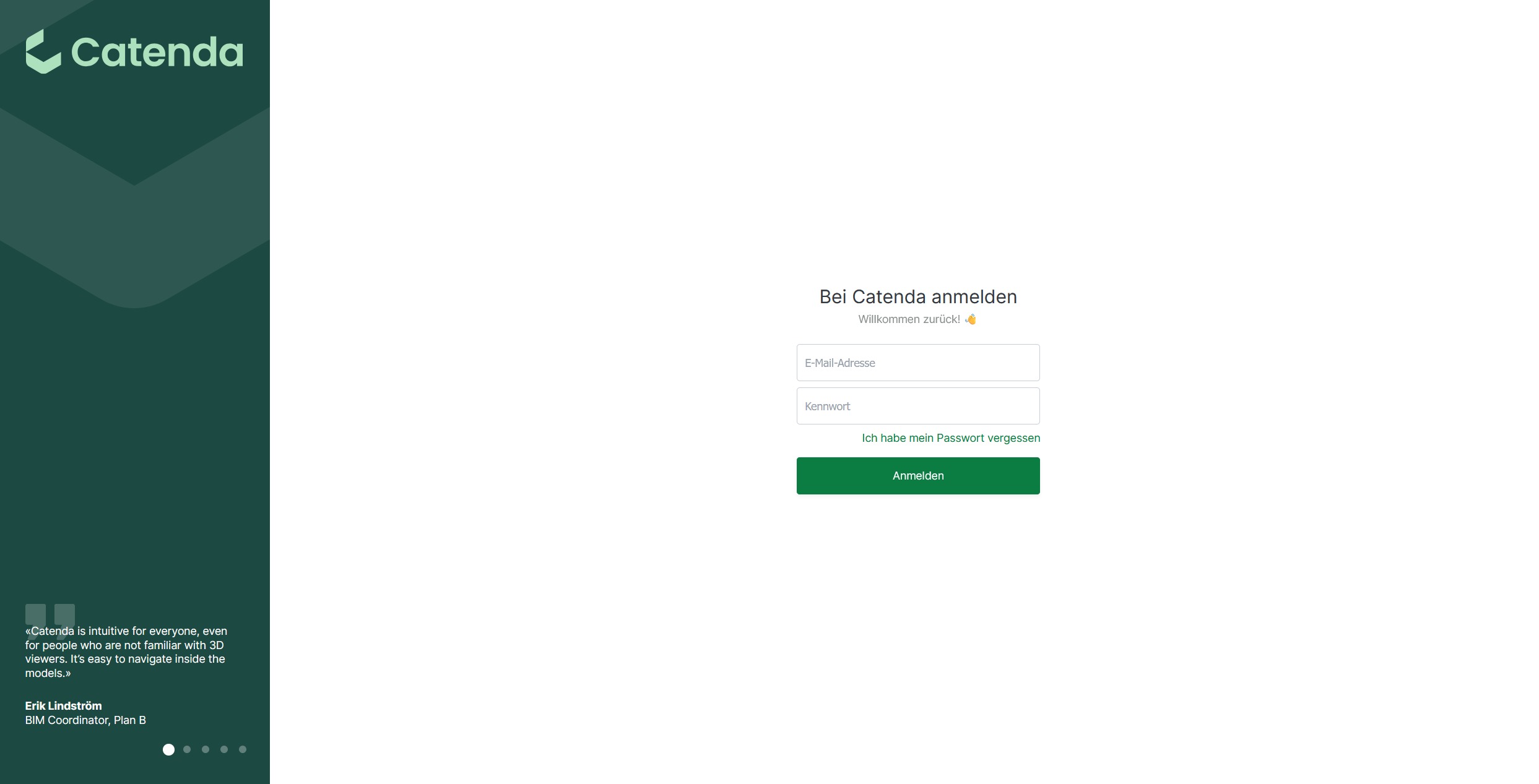
You will then be redirected to a Catenda Hub login page where you can enter your Catenda credentials.
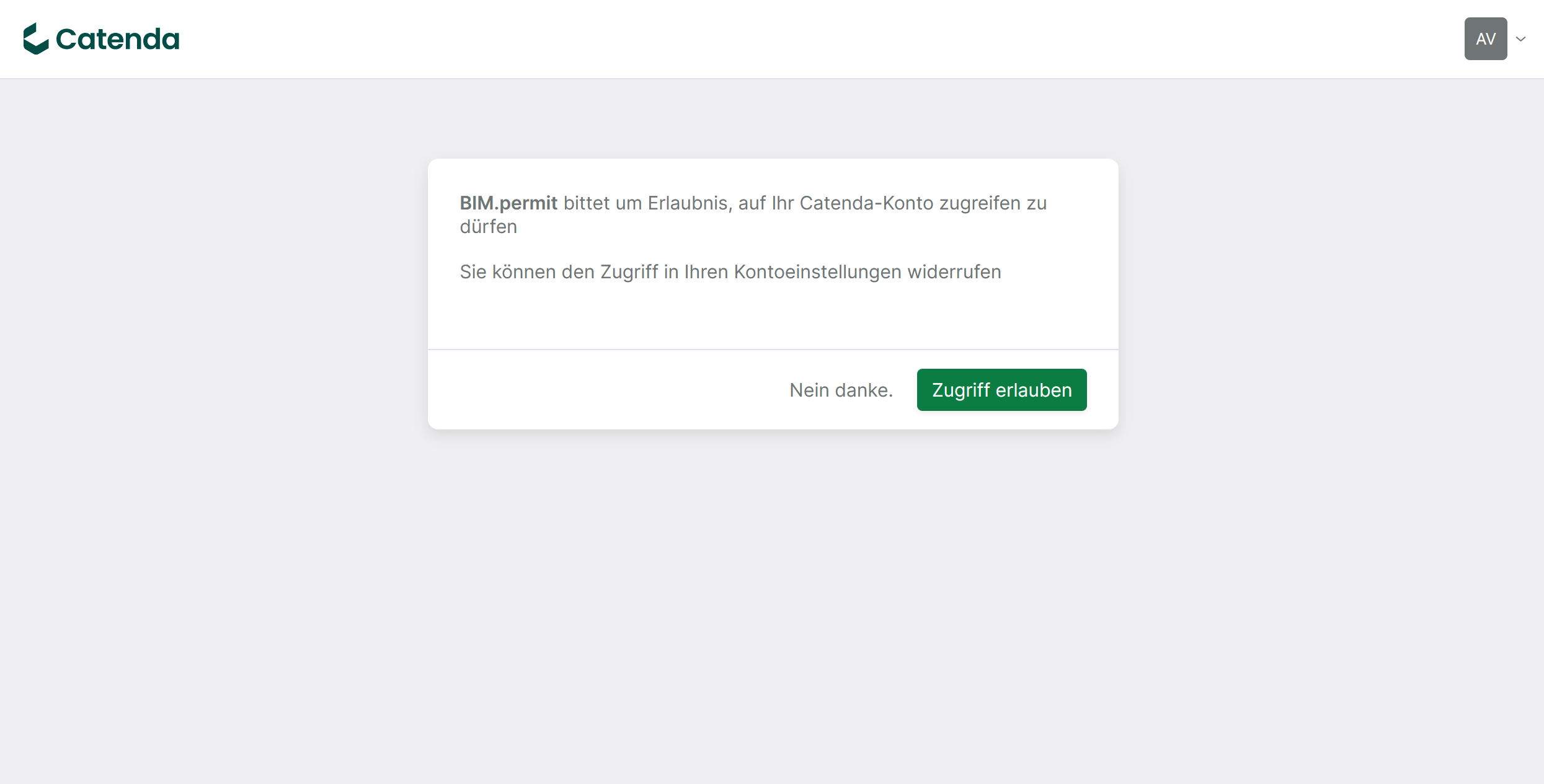
After logging in, you must grant BIM.permit access to your Catenda projects.
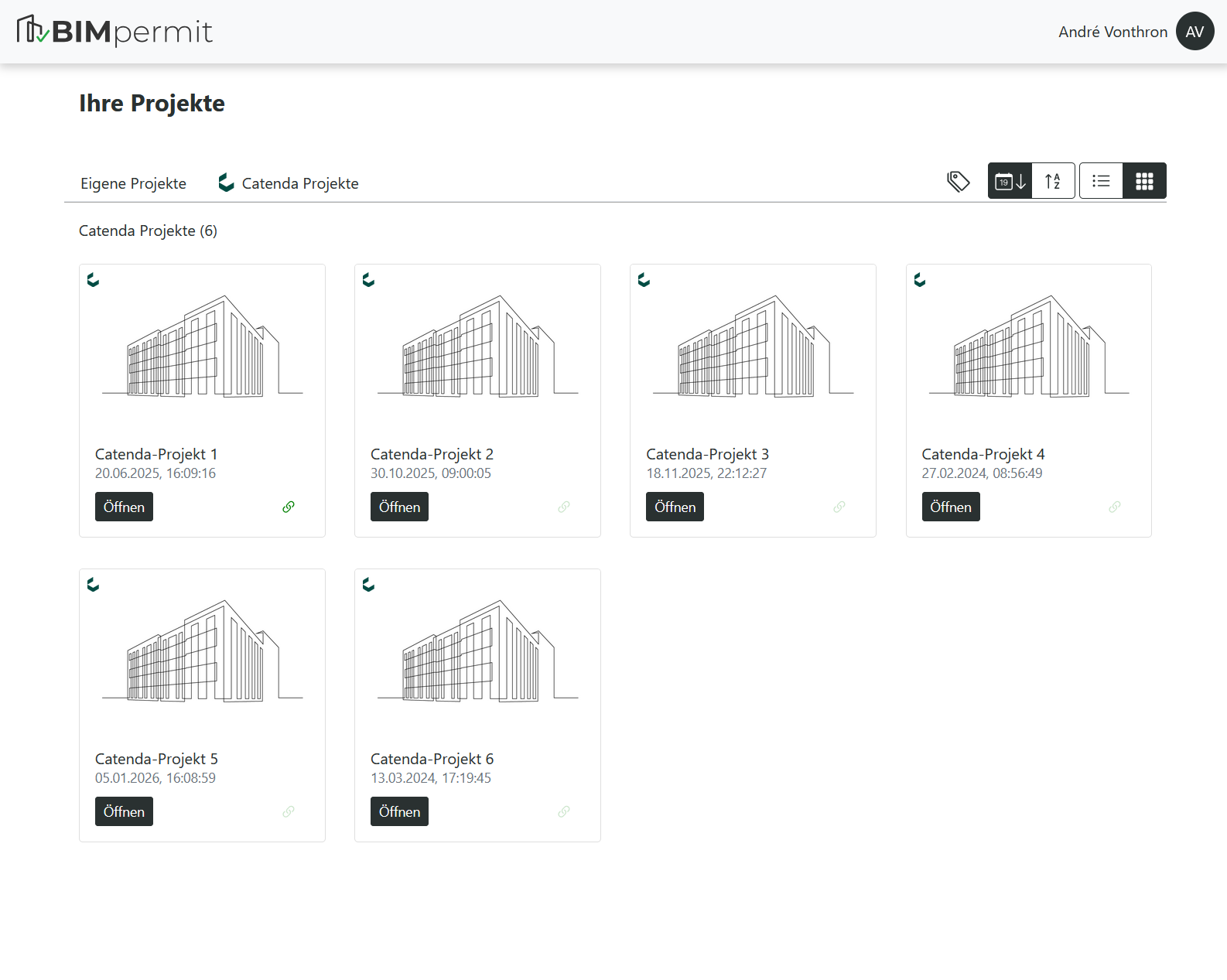
You will then be redirected back to BIM.permit, where your Catenda projects will be available.
If the activation was successful, an additional project tab called “Catenda Projects” will appear. This tab lists all projects currently available in your Catenda Hub account.