Models
Displaying Catenda Hub models
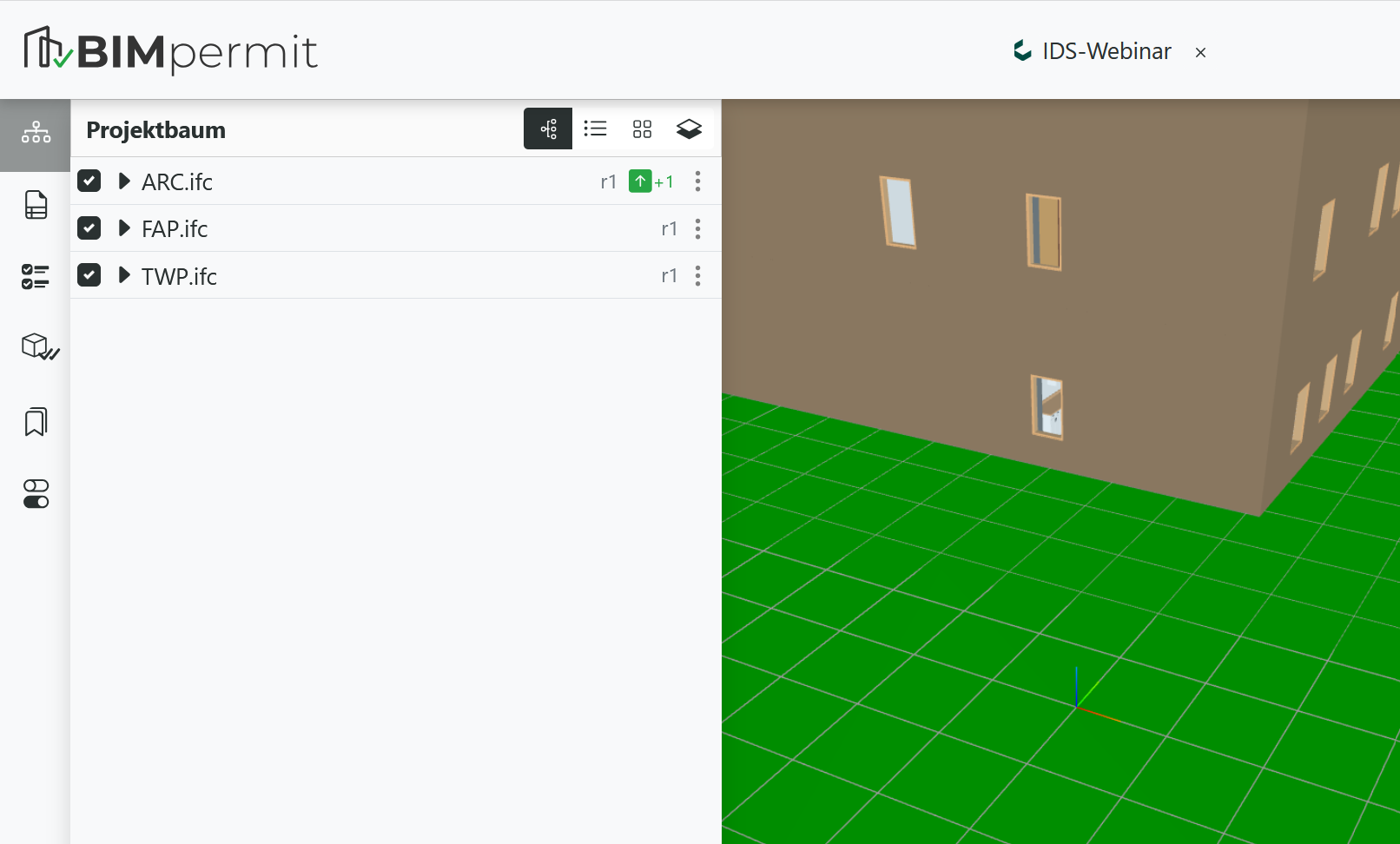
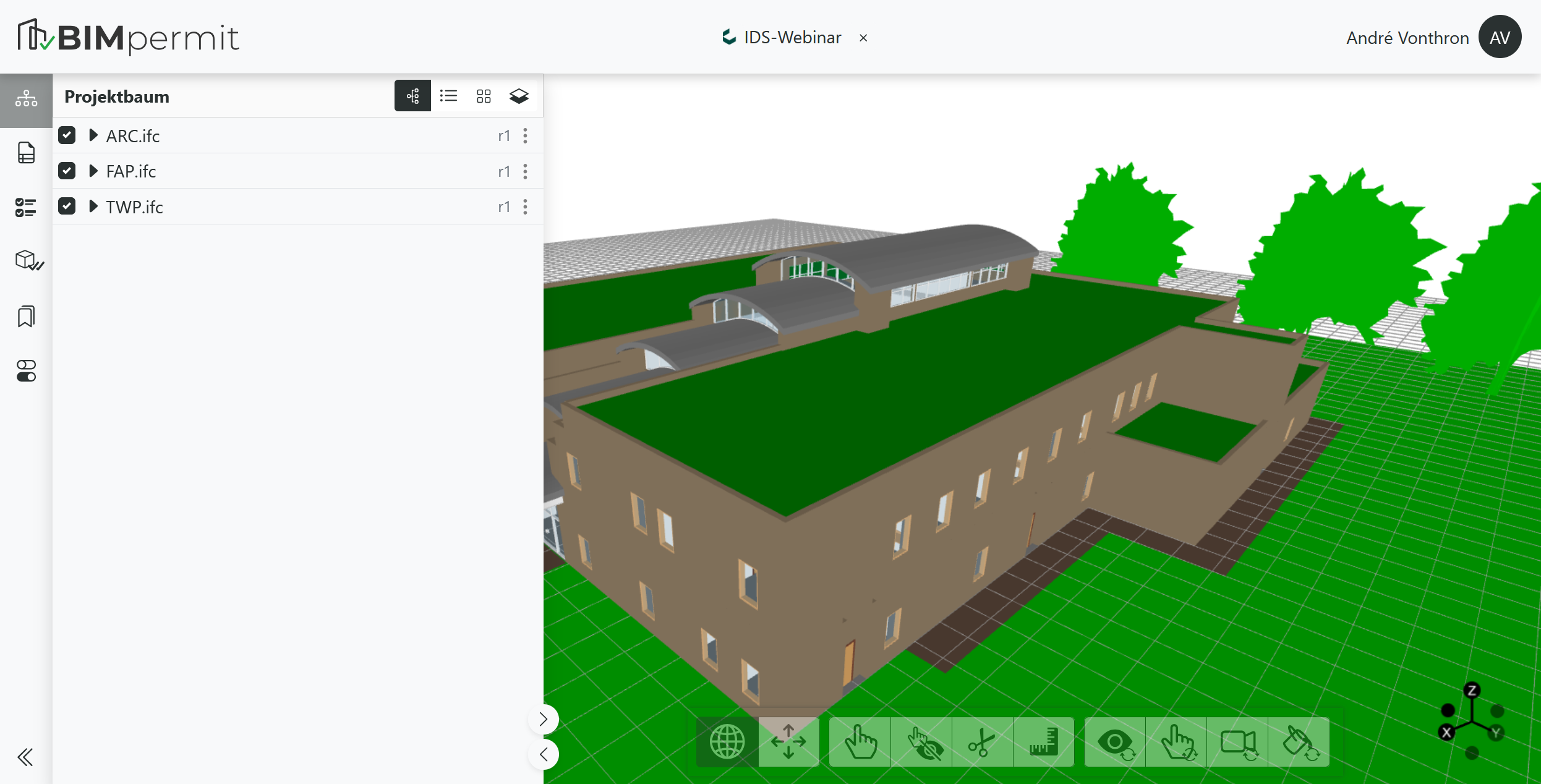
Models from a Catenda Hub project are listed in the project tree, while their geometry is displayed in the 3D Viewer.
Info
Manual uploads or deletion of models are not available in Catenda projects. Model management must be performed directly in Catenda Hub.
Updating model revisions
The currently loaded model revision is displayed next to the model name.
By default, the revision corresponds to the version available when the project was first opened.
If a newer model revision is available, this is indicated in the interface. Users can then update the model to the latest revision by clicking the green update icon.