Catenda Hub Projects
When the Catenda Hub plugin is enabled, your Catenda projects are listed in an additional project tab.
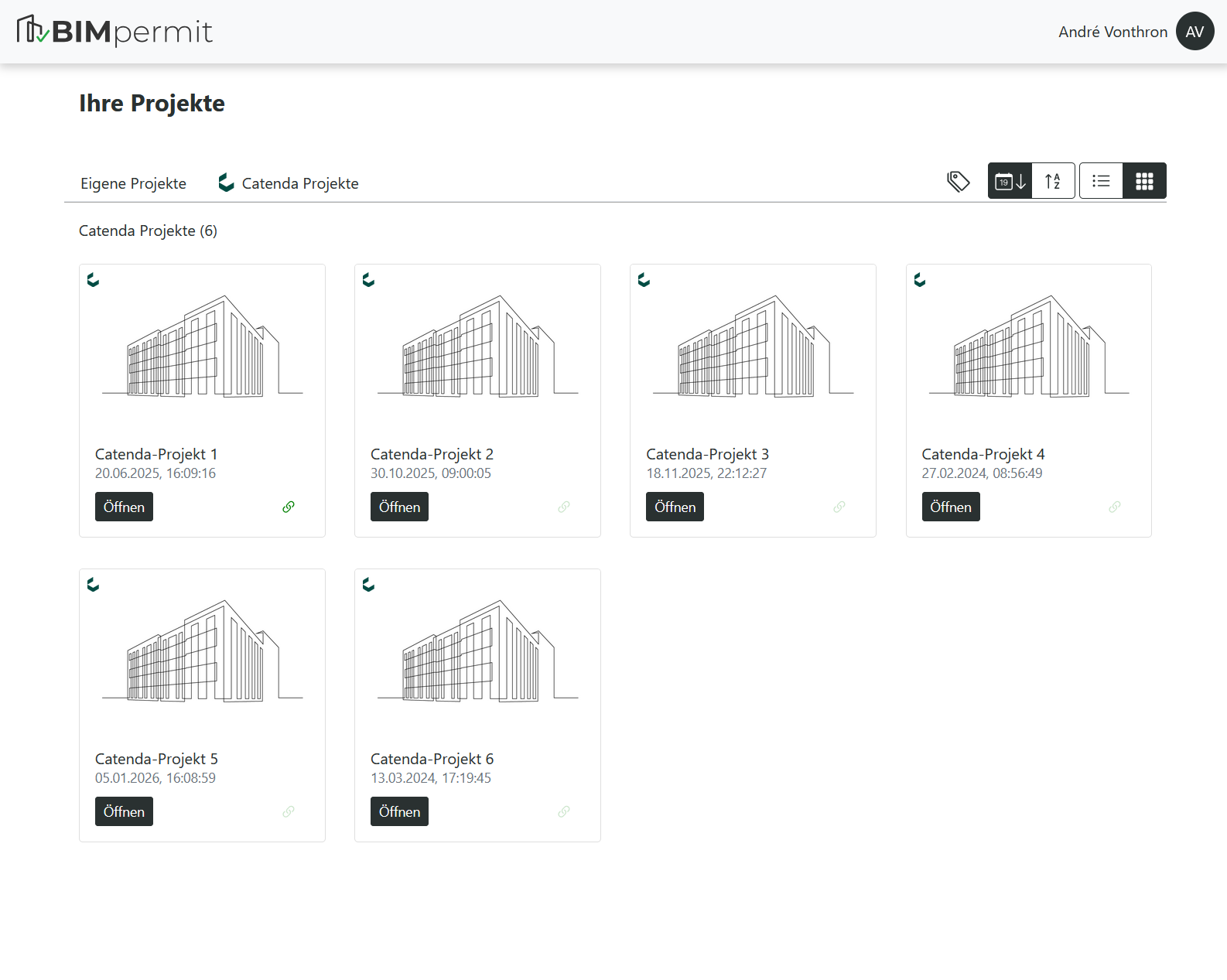
You can open a project directly from the overview. When opening a project for the first time, all models are synchronized in their latest revision before the project is loaded.
The project link status is indicated by a green link icon. As long as a project is linked, BIM.permit stores synchronized model data locally.
You can unlink the project at any time by clicking the link icon.